
If you're looking to use CMS software to configure your website then GreenBackEnd Hosting offers a number of the most popular solutions as one-click installers through your hosting. To install this software you will need to make sure you're hosting is at least an hour old to ensure this is fully active and you can then login to your hosting control panel and scroll down to the One-Click Installs section (the exact options here will depend on the server type and/or package type you have):

In order to install select the script you want and then set the folder you want to install to from the subsequent page, leave blank if you want to install to the root folder and have this load as your main website on the domain, and then click on 'Install'. At this point you should get an 'Installation complete' message and you will be given two links to access the install from, if the domain is not registered or not pointing to GreenBackEnd Hosting then choose the temporary URL (the address with the IP address at the start), if it is then select the URL that includes the domain name.
This installer is a destructive process, if you have files in the folder this install is pointed at then these will be overwritten.
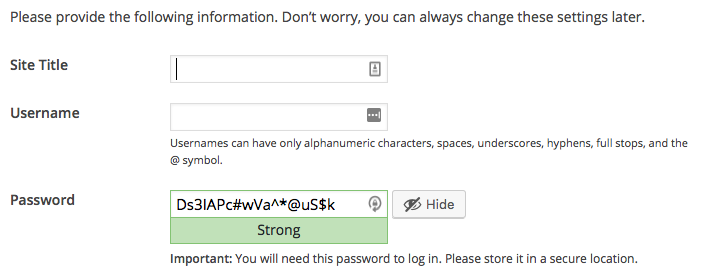
*** The following process is specifically for Wordpress but this will be very similar for whichever software you are using. The first page you see will ask you to select the language for the install and then your site title and the admin details to login to the backend to configure your site:
Once all details are filled in, scroll down and click on the 'Install Wordpress' button and your setup is done!
